

documents
Automate Your Data Entry Processes
Data entry is expensive, inefficient and error prone.
Automate your data entry processes with briefli.
Features
Less manual work. More forward progress
Briefli handles the repetitive parts of logistics — so your team can focus on the work that actually needs them.
Data Extraction
Send the right data to the right place.
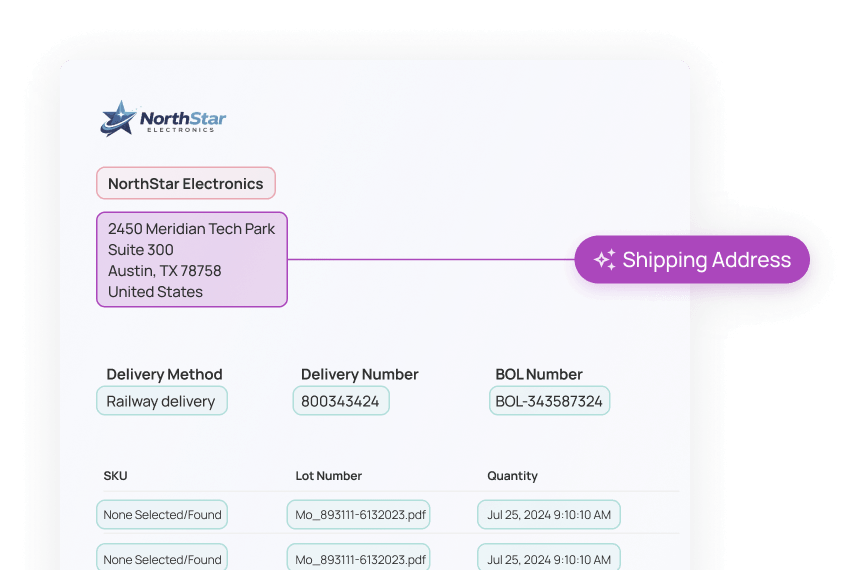
Drop in one document or a whole batch. Briefli reads each file, pulls the data out, and sends it where it needs to go.
Understands the documents you work with
Shipping bills, BOLs — Briefli handles each document how you configure.
Routes by client, automatically
Every file gets sorted and sent to the right destination
Handles one file or a hundred
Upload a single page or a full batch. Briefli processes them the same way.
Supply chain integrations
Work with the tools your team uses.
Briefli connects directly to the systems in your current stack and moves data between them so you don't have to.
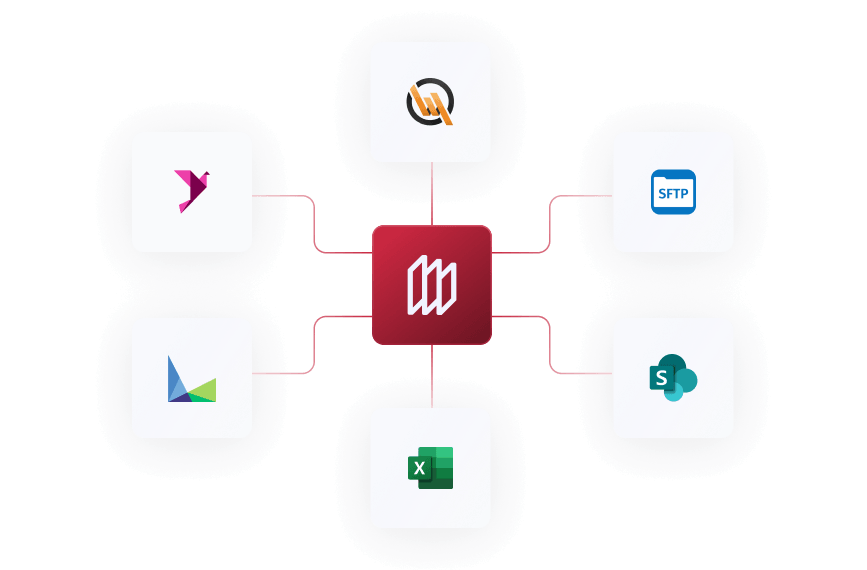
Connects to the platforms you rely on
Plug in to the tools you trust. Briefli works with them.
Configures around your clients
Set it once and let the routing handle itself.
No duplicate entry
What Briefli reads, it sends — you're not typing it twice.
SKU & Inventory Management
Flag the gap before it becomes a problem.
New SKU? Briefli catches it during extraction, not after the fact, and let’s you create and sync a new item immediately.
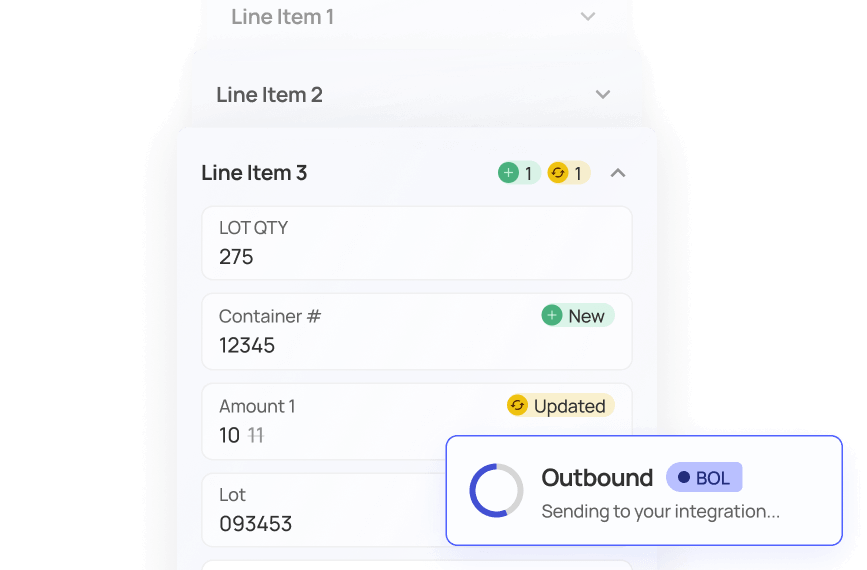
Creates a new SKU or sets an alias in a few clicks
Choose to build something new or link it to an existing item.
Tracking built in from the start
Cost, serial, lot — set it when you create it.
Faster than doing it in your WMS
No switching tabs - less friction means fewer delays before goods move.
Reporting & Analytics
Understand what's moving - and what's not.
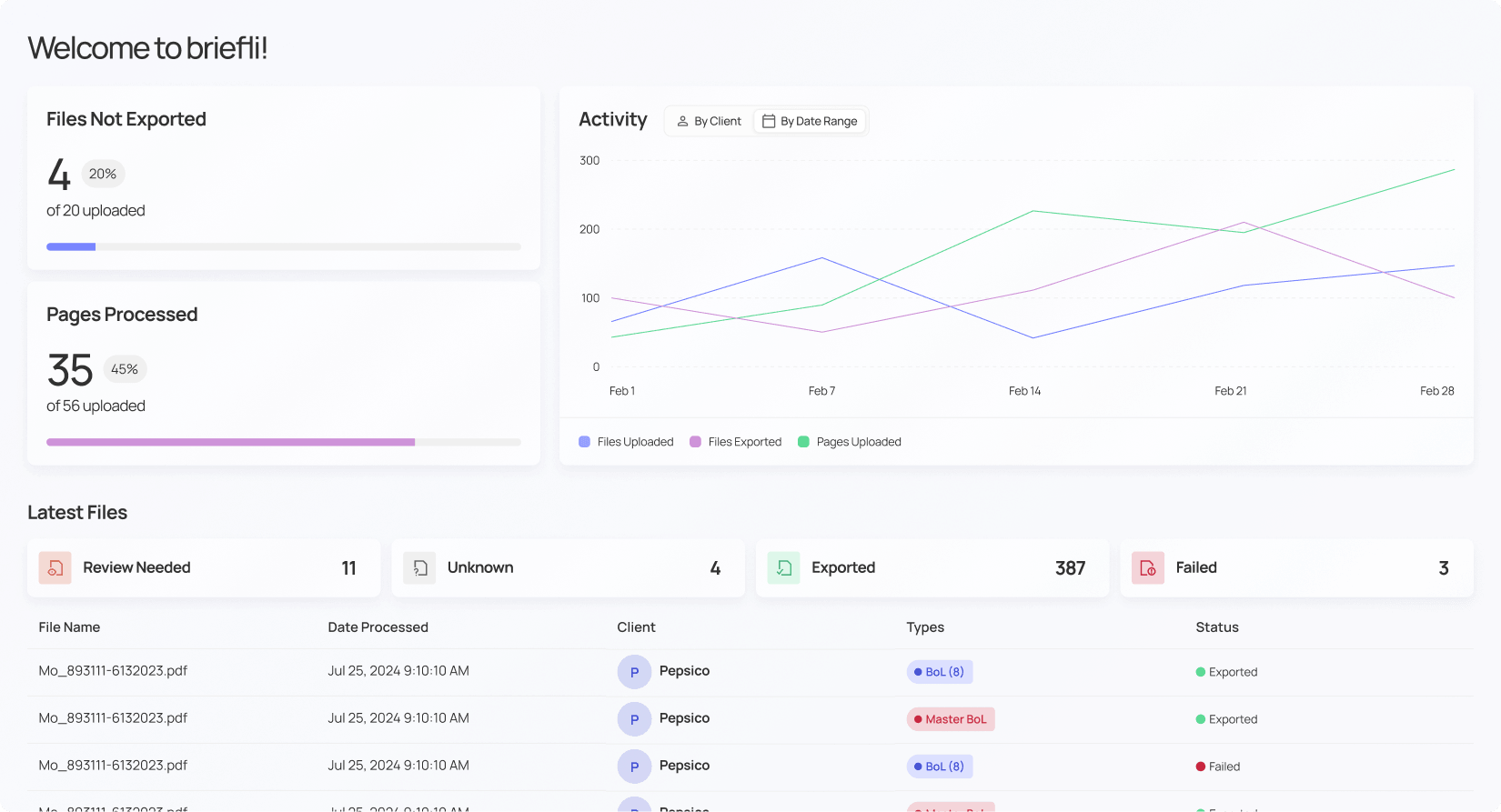
See what's been processed, who it was for, and where things stand. No digging through logs. No asking around.
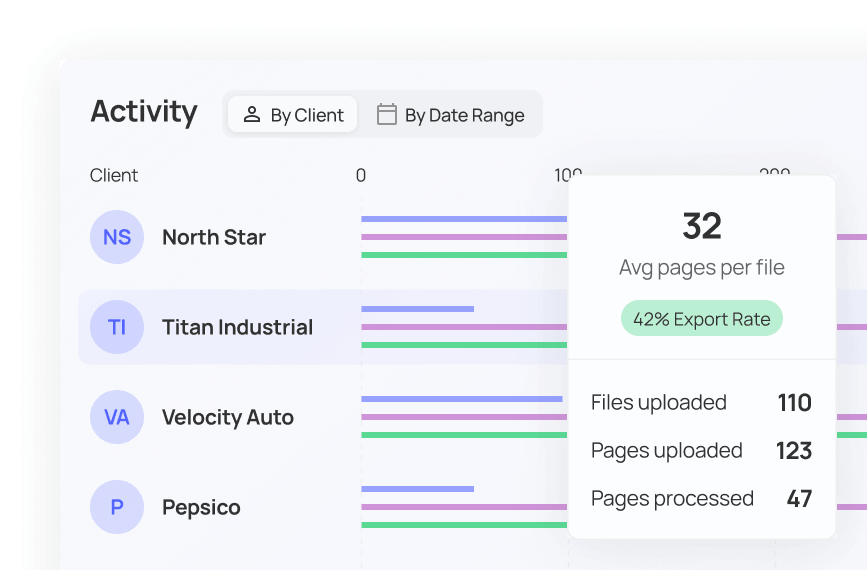
See activity by client and date range
Spot trends, track volume, and show stakeholders what's been handled.
Track files exported and pages processed
Know exactly how much work has moved through the system
Share usage reports without extra work
Pull a clean report and hand it off. It's already formatted to share
Process
How it works
See how Briefli Documents fits directly into your existing processes
1
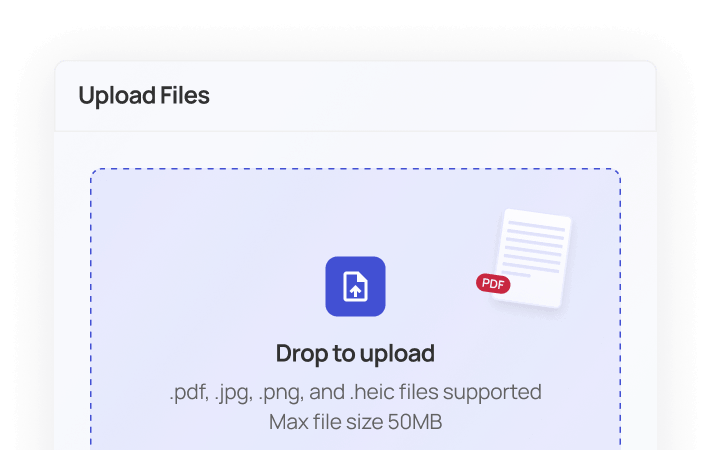
Scan, Email, or Upload
Scan, email, or direct upload a digital file to Briefli to begin the process of reviewing the document.
2
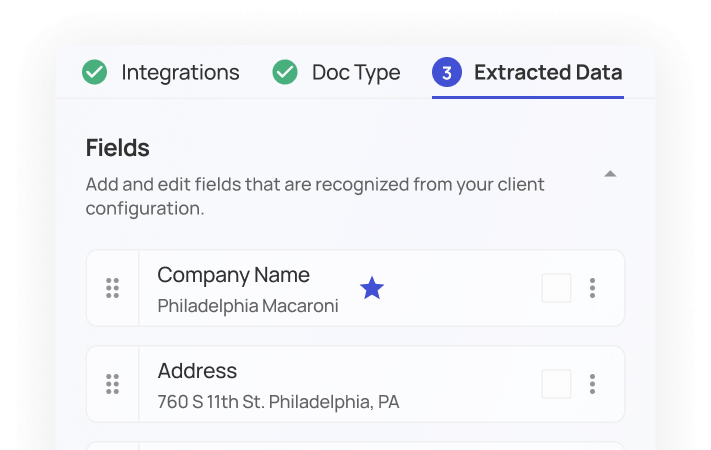
Configure
Configure the data to be pulled and map it to your system of record. Briefli will remember this process after the initial setup.
3
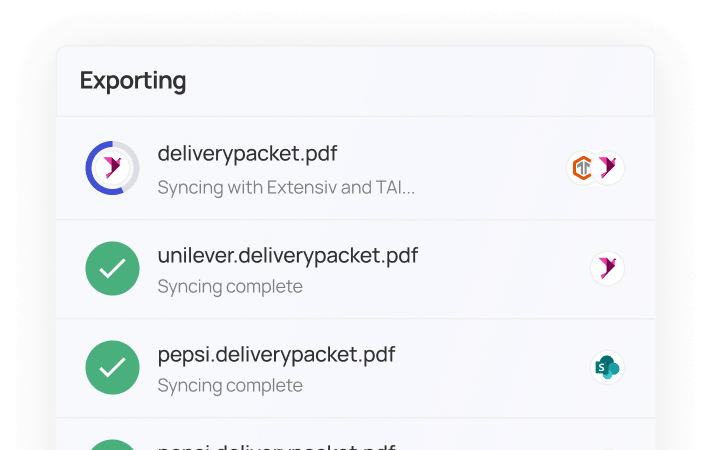
Verify & Push
Review and confirm the extracted data is accurate. Then, push the data to Excel or your system of record (WMS, TMS, ERP).

Case Study
Metro Park Warehouses Enhances Customer Service Capabilities
Discover how MetroPark Warehouses enhanced their customer service capabilities, streamlined compliance tracking, and was able to seamlessly onboard their largest client with Briefli.
Let's Automate Your Data Entry Processes
Process documents faster and more accurately.
Get started with briefli for free.