

Chat
Supply Chain AI Assistant
Get clear, source-backed supply chain guidance that has been trained on logistics patterns, not recipes and more trivia.
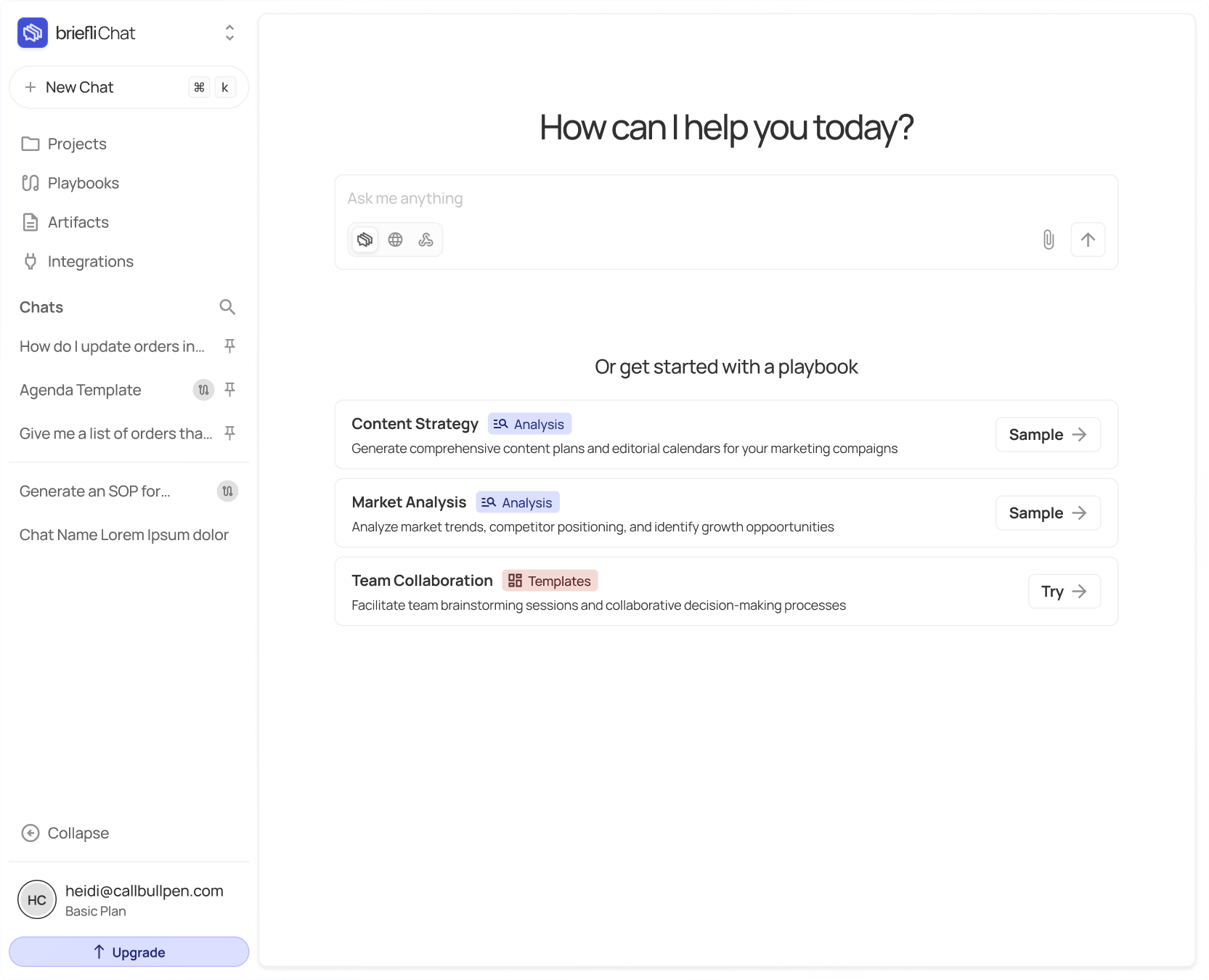
Features
Built for every job on your team
See how Briefli adapts to rail ops, shippers, forwarders, and the warehouse floor.
Rail operations
Keep cars moving and your day unstuck.
Plan moves, match slips, and build clean packets—fast.
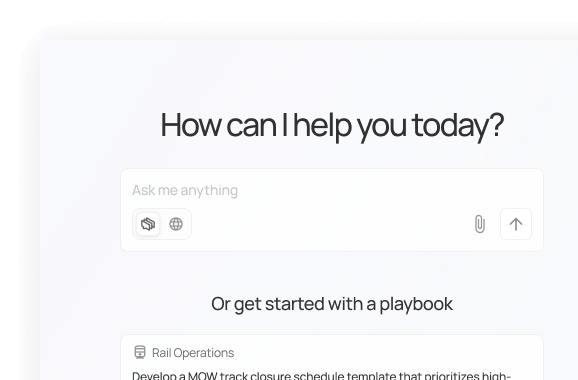
Plan the day in one view.
Turn scattered notes and sheets into a shareable plan.
Catch problems before the crew does
Spot conflicts, delays, and bad data early.
Leave a clean trail
Build packets that explain what happened and why.
shippers
Fewer delays, fewer do-overs.
See what arrived, set dock times, and pay the right bills.
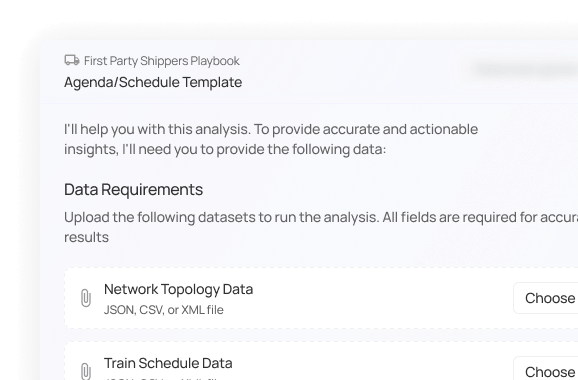
Compare orders to reality
Line up what was shipped with what showed up, fast.
Keep docks on schedule
Set times and send invites without extra emails or calls.
Pay with confidence
Check freight bills against quotes before money goes out the door.
forwarders + 3PL
Fewer gaps, faster answers to clients.
Check charges, fill missing data, and send clear updates.
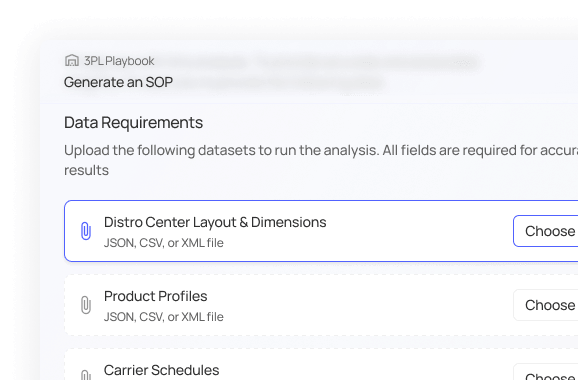
Tidy up charges before invoicing
Review bills and spot mismatches.
Fill in the blanks
Find missing fields across forms so freight doesn’t get stuck.
Send one clean update
Turn many status pings into a single, client-ready note.
warehousing + Transload
Smooth the wave, keep the floor moving.
Assign bays, cut wait time, match slips, and print what the floor needs.
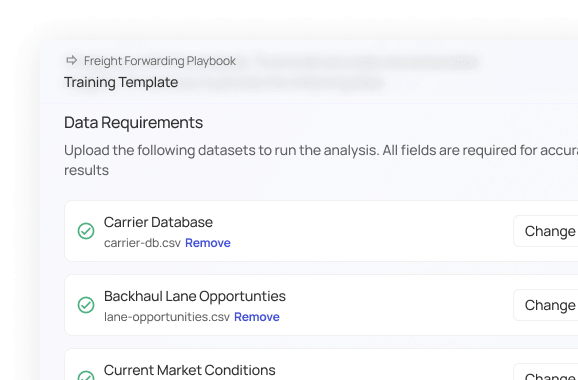
Spread the rush
Assign bays so trucks and crews don’t stack up at once.
Match slips while it’s fresh
Compare weights and loads before problems roll downhill.
Put clear instructions on paper
Print simple sheets and labels the floor can actually use.
Playbooks
Three steps. Zero meetings.
Pick a playbook, follow the prompts, and leave with real outputs—lists, letters, spreadsheets, and summaries you can use today.
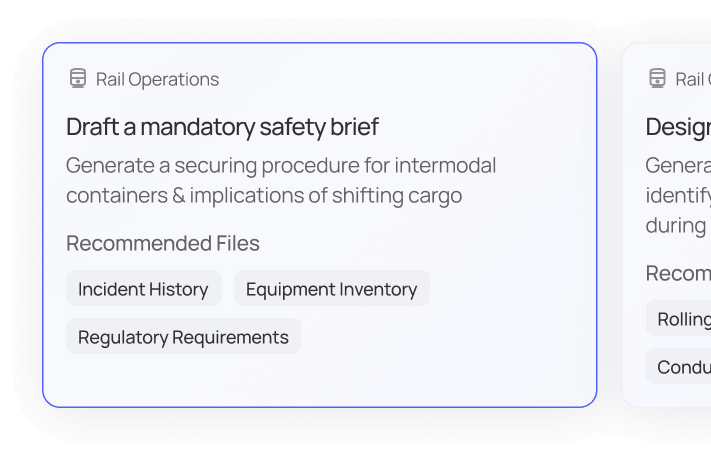
1
Choose a playbook, or just ask in plain words.
Start with a template for a common job or type a question that’s on your mind.
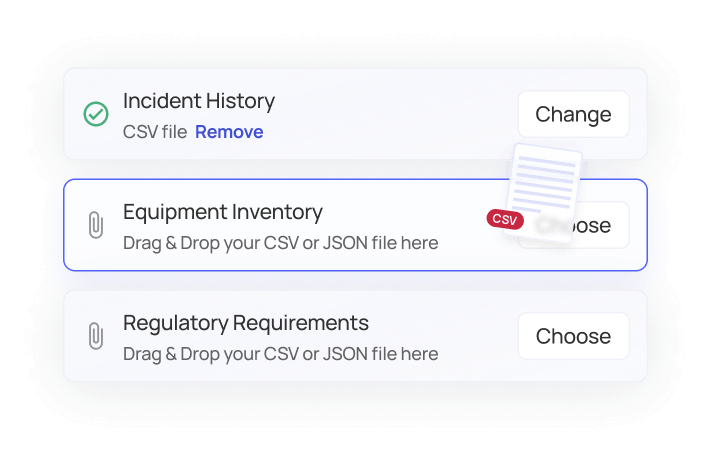
2
Add your details.
Drop in the files, numbers, or notes you already have. Briefli connects the dots.
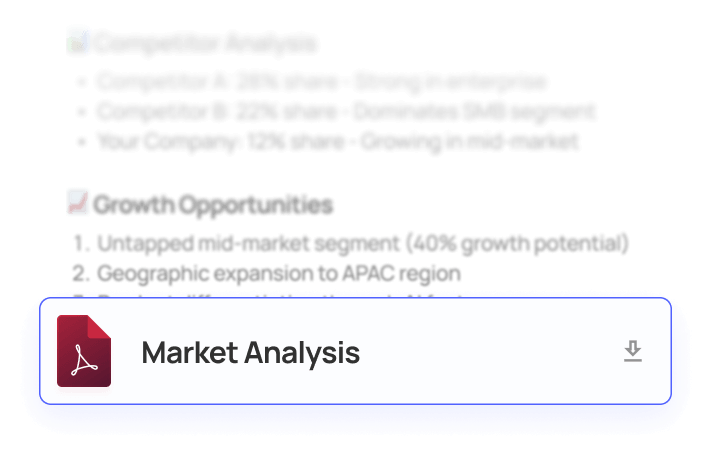
3
Review the answer and put it to work.
See what’s happening, why it’s happening, and the best next step.
Try BriefliChat for Free
Upload a few real jobs, run a playbook, and see the minutes saved and errors caught. No IT project, no long setup.